
Description
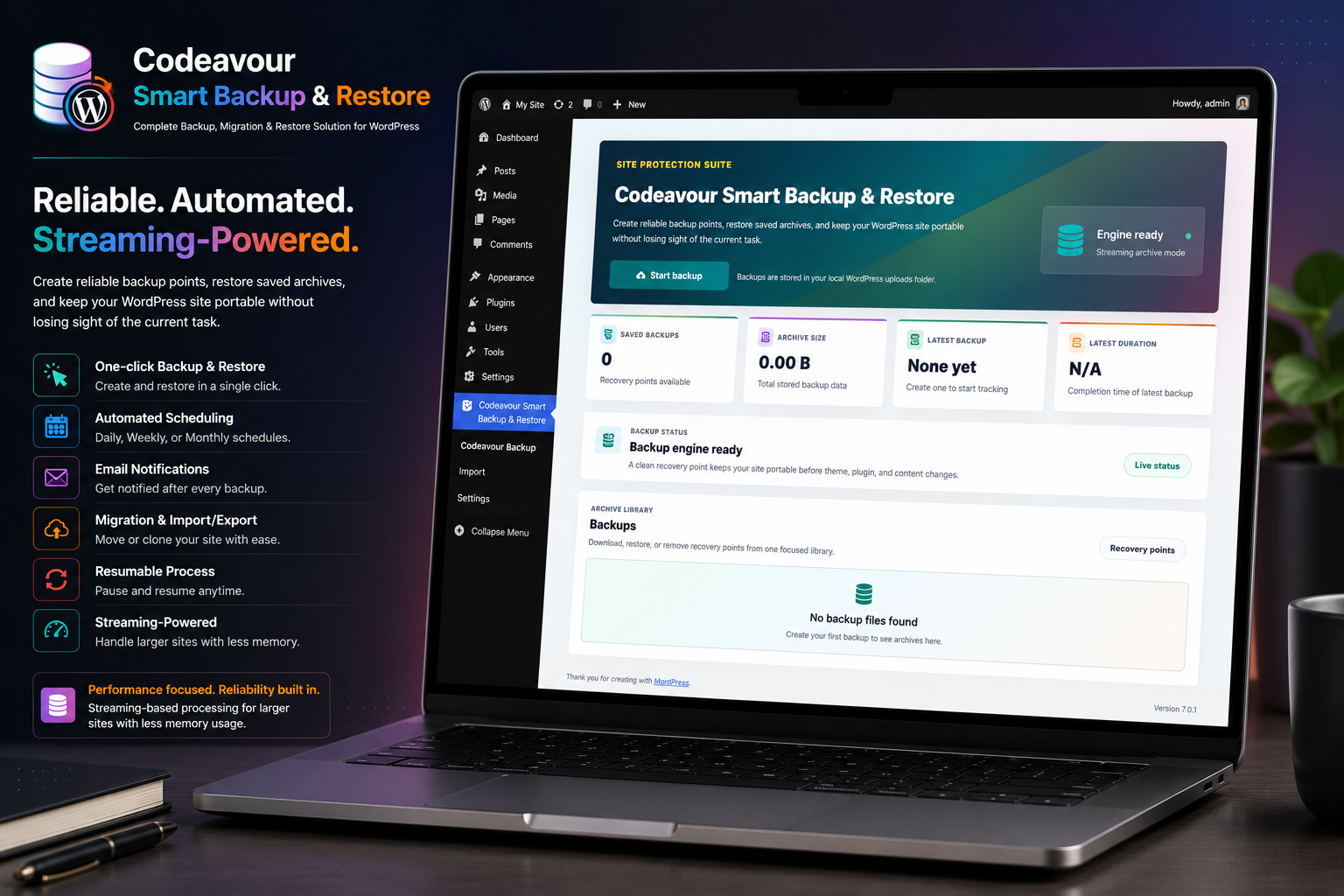
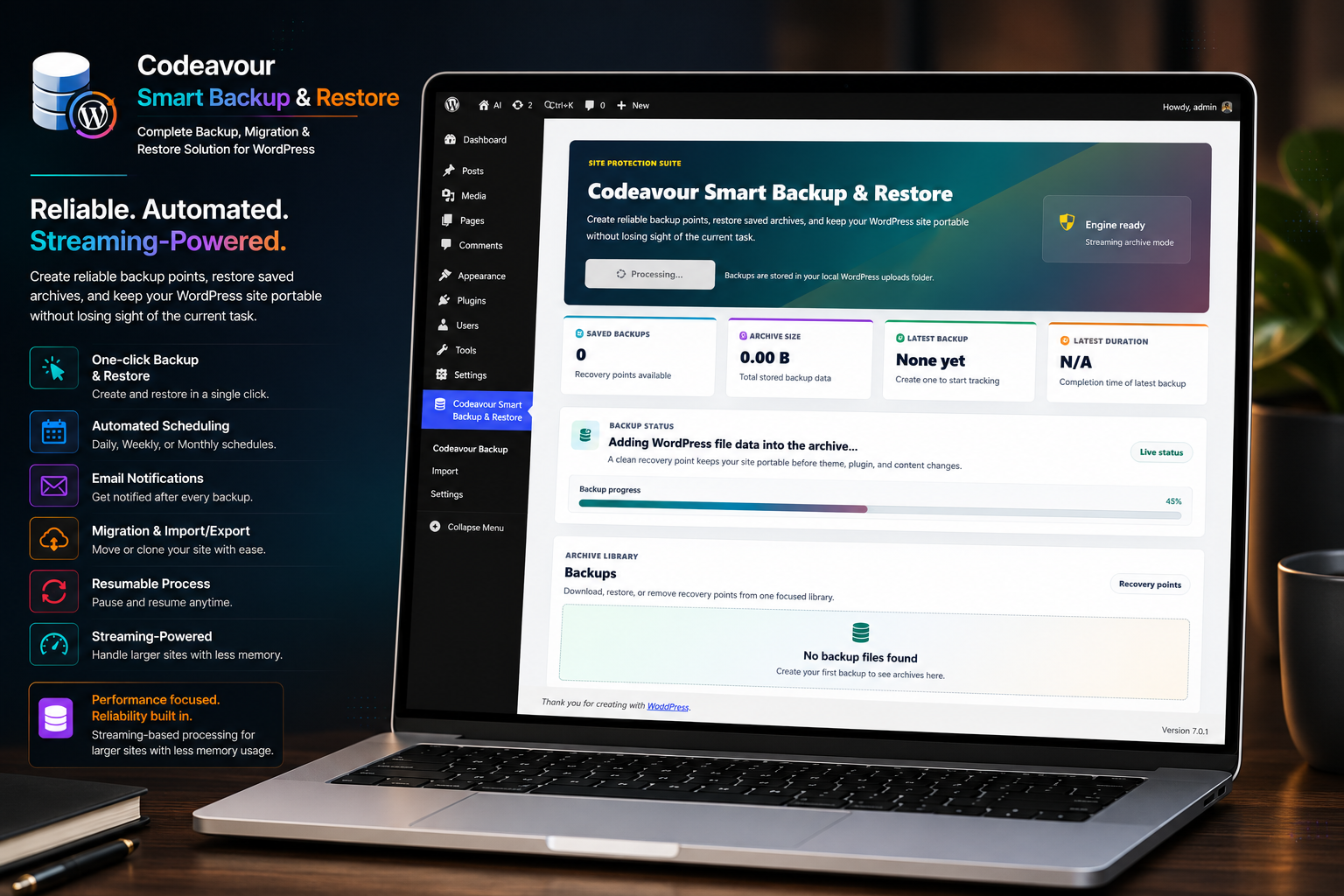
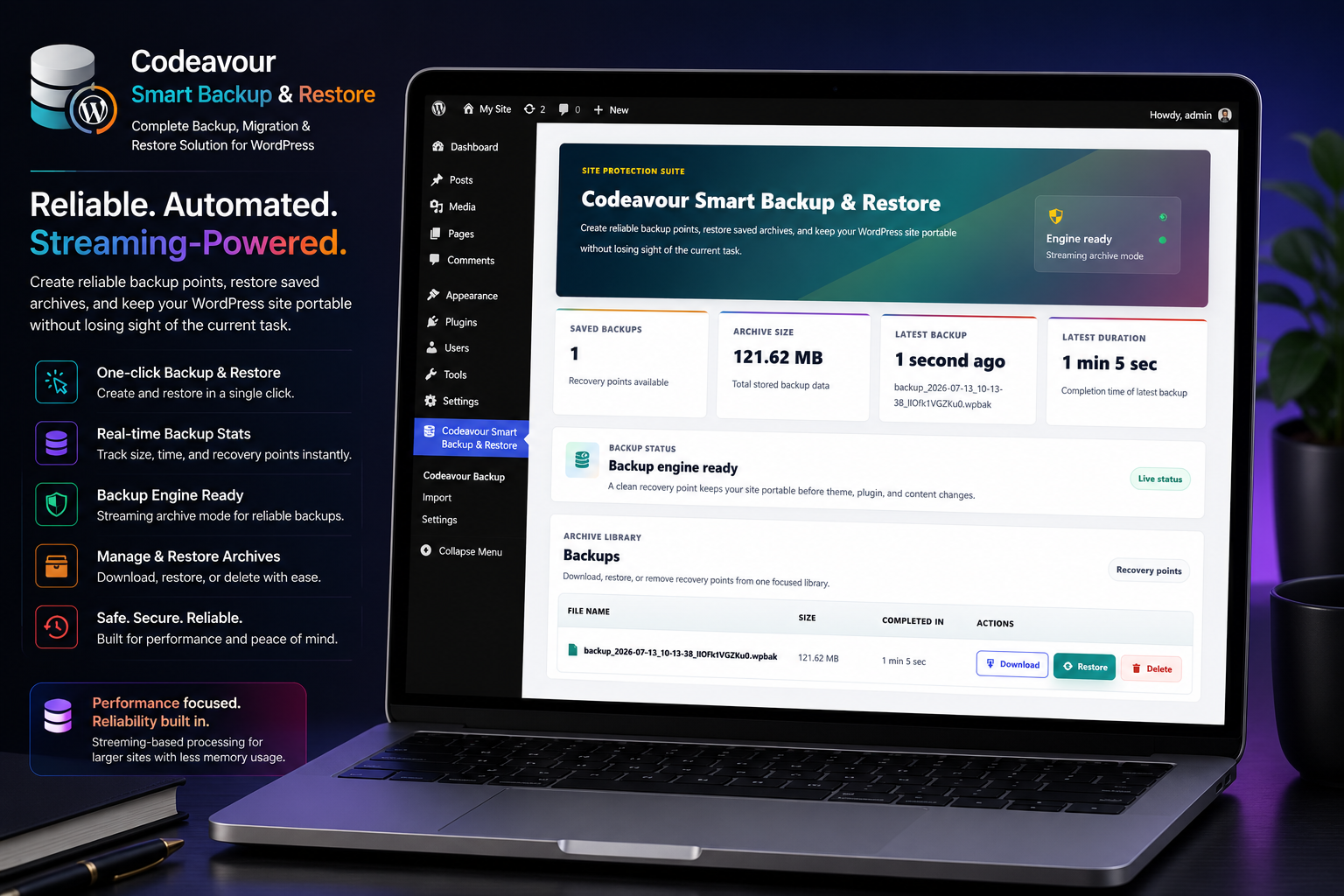
Codeavour Smart Backup & Restore provides a complete solution for WordPress site backup, migration, and restore. It is designed for performance and reliability, using streaming-based chunked processing to eliminate timeout errors and reduce memory pressure on servers of any size.
Key features include:
– One-click backup and restore
– Smart Backups (incremental chains that save storage space and time)
– Selective Backup profiles with granular component inclusion/exclusion
– Cloud Storage integrations (Google Drive, Dropbox, Microsoft OneDrive, Amazon S3, FTP/SFTP)
– Automated scheduling (Daily, Weekly, Monthly) via WP-Cron
– Email notifications for scheduled backup results
– Full site migration and import/export support
– Streaming-based processing to support larger backup and restore operations
– Resumable backup and restore process with auto-retry
– Relational database foreign key constraint safety during import and cleanup
– Interactive Feature Guidelines (Onboarding Tour)
– Smart Review Notice System
– Lightweight and performance optimized
Smart Backups
Codeavour Smart Backup & Restore introduces Smart Backups using an incremental chain architecture. The first run creates a full baseline backup. Subsequent smart backups detect and package only the modified files and updated database tables. This drastically reduces backup file sizes, saves server bandwidth, and minimizes CPU utilization.
Selective Backup
With Selective Backup profiles, you can tailor your backups to specific needs. Choose to backup only the database, only themes, only plugins, or specific media folders. Exclusion patterns allow skipping cache directories, log files, or custom paths.
Cloud Storage
Secure your backups offsite by connecting your favorite remote storage providers:
– Google Drive
– Dropbox
– Microsoft OneDrive
– Amazon S3
– FTP / SFTP
Scheduled Backups
Built-in automated backups powered by WordPress WP-Cron. Site administrators can schedule Daily, Weekly, or Monthly backups from the Settings page and receive email notifications upon completion.
Review Notice
A gentle review notice appears on the plugin dashboard and WordPress admin dashboard after successful usage. You can:
– Click “Ok, you deserve it” to leave a 5-star review on WordPress.org
– Click “Nope, maybe later” to snooze the notice for 7 days
– Click “I already did” to permanently dismiss the notice
Screenshots
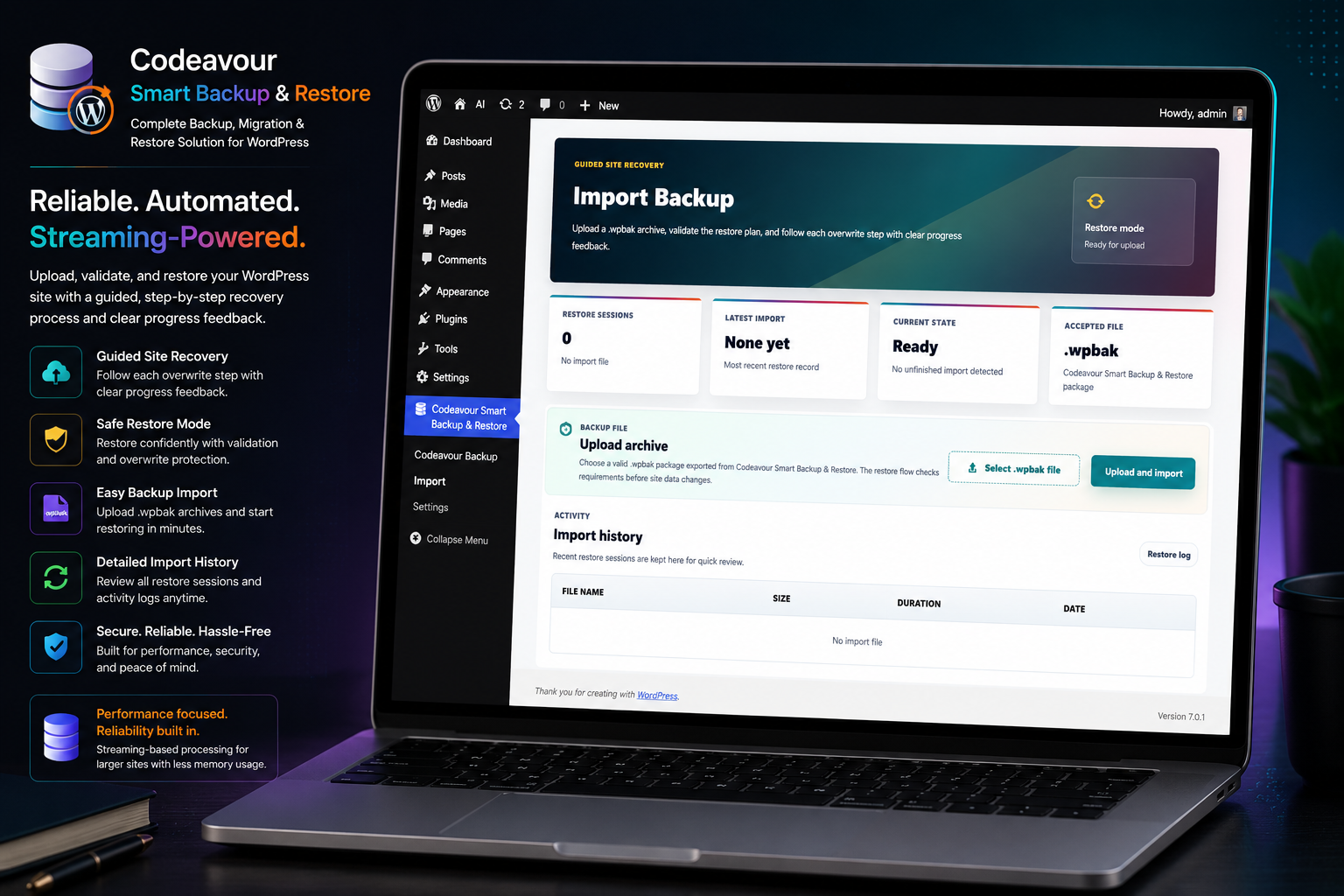
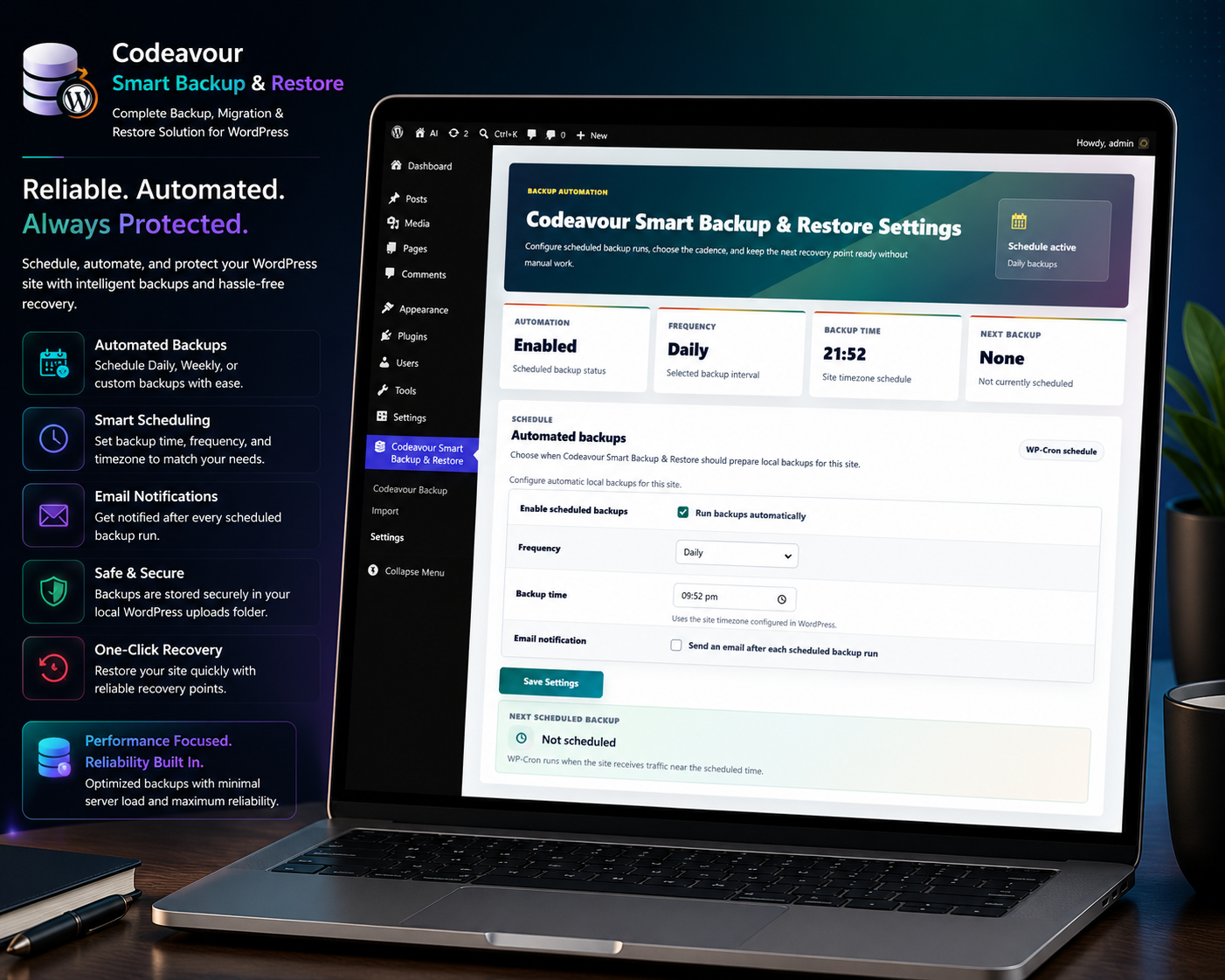
Installation
- Upload the plugin files to the
/wp-content/plugins/codeavour-smart-backup-restoredirectory, or install via the WordPress plugins screen. - Activate the plugin through the ‘Plugins’ menu in WordPress.
- Open the Codeavour Smart Backup & Restore dashboard to create or restore backups.
- Open Codeavour Smart Backup & Restore > Settings to configure scheduled backups, email notifications, and cloud storage providers.
FAQ
-
Does it support large websites?
-
Yes, it uses a streaming chunked engine designed for large sites, capable of handling large database dumps and multi-gigabyte media libraries without hitting server memory limits.
-
What is Smart Backup and how does it work?
-
Smart Backup utilizes an incremental chain strategy. The first backup is a complete snapshot. Future backups in the chain only store changes (modified files and database changes), saving significant disk space and finishing in seconds.
-
How does Selective Backup work?
-
Selective Backup lets you create targeted backups. You can select specific components (e.g., only the Database, only Plugins, or only Uploads) and define exclusion rules (like excluding cache files).
-
Which cloud storage services are supported?
-
Codeavour Smart Backup & Restore supports Google Drive, Dropbox, Microsoft OneDrive, Amazon S3, and FTP/SFTP. You can securely store and manage your backups in off-site locations.
-
Can I migrate my site to another server or domain?
-
Yes. Download your
.wpbakbackup file and upload it to the new site using the plugin’s Import feature. The plugin automatically handles URL replacement and database mapping. -
Can I restore backups if my site has foreign key constraints?
-
Yes. The restore engine safely handles relational foreign key constraints and schema dependencies during table recreation and cleanup, preventing constraint violation errors.
-
What happens if the import is interrupted by a network issue?
-
The plugin features automatic retry mechanisms and saves state persistently. If an import is interrupted, you can resume it right from where it left off without starting over.
-
How do scheduled backups work?
-
Scheduled backups use the WordPress WP-Cron system. The plugin registers a scheduled event and runs the backup at the selected Daily, Weekly, or Monthly interval. WP-Cron triggers when the site receives visitors.
-
Do scheduled backups use the same engine as manual backups?
-
Yes. Scheduled backups run through the same background streaming backup engine used by manual backups, creating standard
.wpbakarchives. -
Why did my scheduled backup not run at the exact selected time?
-
WordPress WP-Cron is traffic-based. If no visitors visit the site near the scheduled time, WordPress runs the task on the next site visit. For strictly timed backups, configure a system cron on your hosting server to ping
wp-cron.php. -
Why are email notifications not arriving?
-
Ensure the scheduled backup email notification setting is enabled with a valid recipient email address. On local environments such as XAMPP, an SMTP plugin or mail server configuration is required for
wp_mail()to send outbound emails. -
What happens to existing backup files if the plugin is uninstalled?
-
Backup files are stored safely in the server’s uploads backup directory. If the plugin is uninstalled, existing backups remain intact unless deleted manually. Reinstalling the plugin will automatically detect and display your existing backups.
-
How does the review notice work?
-
A review notice appears on the dashboard after you use the plugin. You can submit a review, snooze it for 7 days, or permanently dismiss it.
Reviews
There are no reviews for this plugin.
Contributors & Developers
“Codeavour Smart Backup & Restore” is open source software. The following people have contributed to this plugin.
Contributors
Translate “Codeavour Smart Backup & Restore” into your language.
Interested in development?
Browse the code, check out the SVN repository, or subscribe to the development log by RSS.
Changelog
2.0
- Added Smart Backup (incremental backup chains) for high-speed, storage-saving backups
- Added Selective Backup profiles with customizable component inclusion and exclusion rules
- Added Cloud Storage integration supporting Google Drive, Dropbox, Microsoft OneDrive, Amazon S3, and FTP/SFTP
- Added safe relational database foreign key handling during table drops, schema creation, and cleanup
- Improved state tracking and resume mechanisms during multi-batch imports
- Updated WordPress compatibility and tested up to 7.1
1.1
- Added Interactive Feature Guidelines (Onboarding Tour)
- Added Smart Review Notice with snooze and dismiss options
- Improved post-restore reliability for large database restorations
- Introduced state-based capture mechanism to preserve the active plugin list before import begins
- Ensured all previously active plugins are automatically re-enabled after large-scale database import operations
- Performance improvements and minor bug fixes
1.0
- Initial release of Codeavour Smart Backup & Restore
- Added scheduled backups with Daily, Weekly, and Monthly WP-Cron support
- Added scheduled backup email notifications